Free TOEFL Write an Email Practice (and How to Get Feedback): 2026 Guide
You can practice the TOEFL Write an Email task for free — real scenarios, timed drafting, and structured self-review cost nothing. What "free" cannot honestly include is unlimited expert scoring of your own emails, so this guide covers both halves: the free practice loop, and a straight answer on where feedback actually comes from (a teacher, a study partner, or a paid tool like Writing30 — our AI scoring is a paid subscription, not a free feature).
What's free and what's paid
- Free: the printable Write an Email task pack (10 scenarios, tone guide, model answers), email practice topics, scored sample responses, and the sample feedback report.
- Free feedback: self-review with a rubric checklist, or a teacher / study partner using the same checklist.
- Paid: AI-scored practice on Writing30 — the 0-5 rubric with a separate pre-2026-scale /30 estimate, sentence-level fixes, and One Score Higher. It requires a subscription; there is no free trial or free scoring allowance.
2026 TOEFL Writing task format and timing
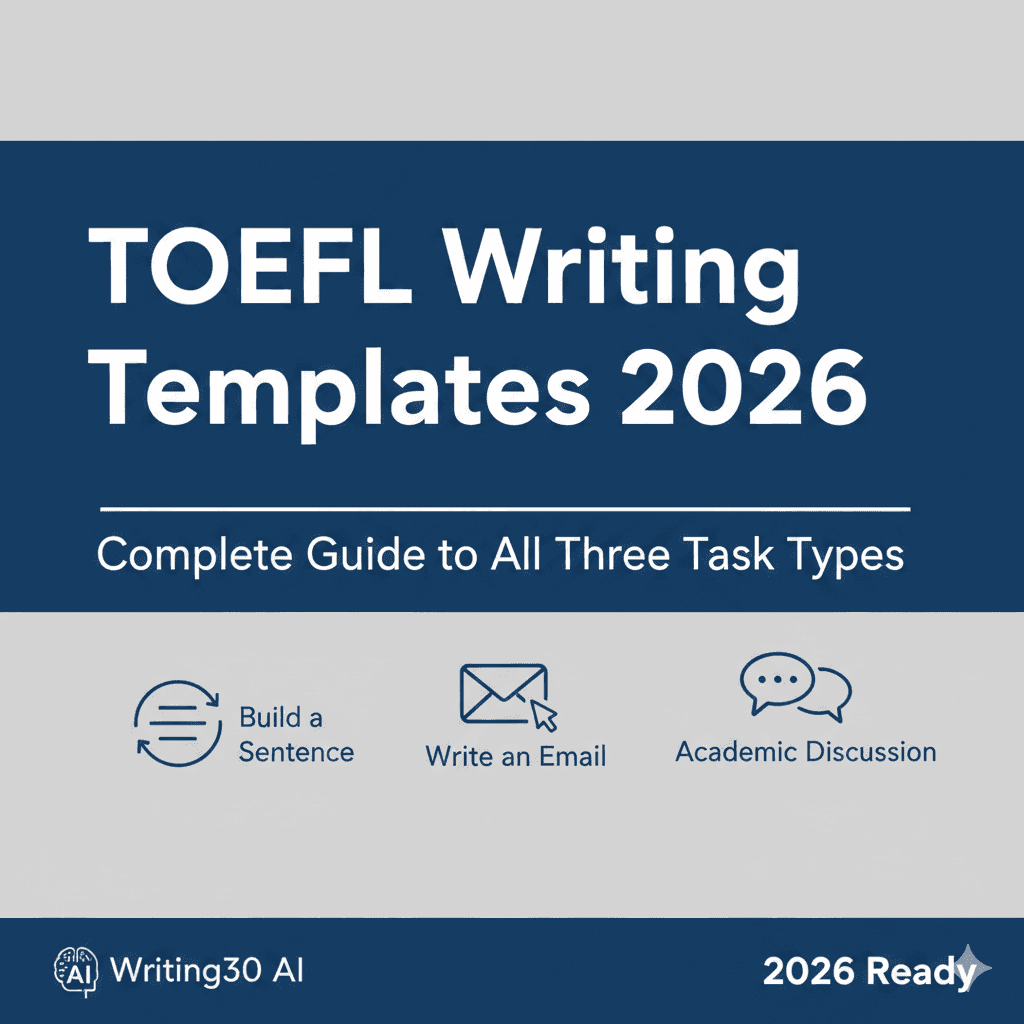
The TOEFL Writing section (format effective January 21, 2026) has three tasks. Write an Email is the second:
- Build a Sentence (~6 minutes): arrange 6-12 given words into a correct sentence that answers a short prompt.
- Write an Email (~7 minutes): read a situation with three bullet points to address and write an email that covers all of them in the right tone — aim for 80-120 words as a practice target.
- Academic Discussion (~10 minutes): respond to a professor and two classmates with at least 100 words (target 100-150), adding a point the peers have not made.
For the email task specifically, the graders look at content (all three points covered), organization, language accuracy, and format and tone — greeting, closing, and a register that matches the recipient.
A free weekly practice plan
Week 1: Format familiarity
- Read two model emails in the task pack and label their structure: greeting, purpose, one sentence per point, closing.
- Write three emails untimed from pack scenarios 1-3. Count words each time.
- Self-review with the pack checklist immediately after writing, not the next day.
Week 2: Timed practice
- Three sessions of two emails each, 7 minutes per email, scenarios 4-9.
- After each session, check every required point got its own full sentence.
- Ask a teacher or study partner to mark one email per session against the checklist.
Week 3: Register control
- Rewrite one formal scenario as if to a friend, and one informal scenario as if to a professor — the fastest way to feel register.
- Drill the tone table in the pack: request, apology, information, closing phrases.
Week 4: Test conditions
- Run the full writing section in order: a Build a Sentence set, one email, one discussion post (~23 minutes).
- Compare your emails against the sample scored report to see what band-4 versus band-5 differences look like.
Your feedback options, honestly
- Self-review (free): reliable for word count, required points, and format; weakest at catching your own grammar patterns.
- Teacher or study partner (free): best for register and naturalness; quality depends on their familiarity with the 2026 rubric — hand them the checklist from the task pack.
- AI-scored practice (paid): fast and consistent at volume. On Writing30 this is part of the subscription ($11.89 every 2 weeks or $29.89 per year — see pricing). Look at the sample report first so you know exactly what you would be paying for.
Common mistakes and how to fix them
1. Covering two of the three points
- Mistake: the third bullet gets squeezed out by a long opening.
- Fix: one sentence of purpose, then one sentence per point, in the order given. Check the points off on scratch paper as you write.
2. Register mismatch
- Mistake: "Hey Professor, I want an extension."
- Fix: match the recipient: "Dear Professor Lee, would it be possible to..." Formal phrases for staff and faculty; contractions and warmth for friends.
3. Run-on sentences
- Mistake: three clauses chained with "and".
- Fix: split at the second "and". Short sentences read as control, not simplicity, at this word count.
4. Word count drift
- Mistake: 60-word emails that feel abrupt, or 150-word emails that spend time without earning points.
- Fix: practice until your natural draft lands at 90-110 words; that leaves margin in both directions.
FAQ
Is there really free TOEFL Write an Email practice with feedback?
Free practice, yes — scenarios, model answers, and checklists cost nothing. Free feedback means self-review or another person; automated scored feedback is a paid feature on Writing30 and most comparable tools. Any site promising unlimited free AI scoring deserves skepticism.
How many emails should I practice each week?
Four to six timed emails per week, with review after each one, beats writing twenty without review.
What changed in the 2026 TOEFL Writing format?
The section now has three tasks — Build a Sentence, Write an Email, and Academic Discussion — replacing the old Integrated essay format. Write an Email is new in 2026: about 7 minutes, with no set ETS word count — 80-120 words is a solid practice target.
When should I switch to timed practice?
After roughly three untimed emails. The task is short enough that timing pressure is most of its difficulty, so move to 7-minute drafts early.
Start with the free Write an Email task pack — and if you decide you want scored feedback at volume, see how Writing30's email practice works.
Tags
Ready to Improve Your TOEFL Writing?
Get instant AI-powered feedback on your TOEFL writing. Practice with real prompts and see your score improve.
Try Writing30 AI